AI video editing

How I edit my videos with AI

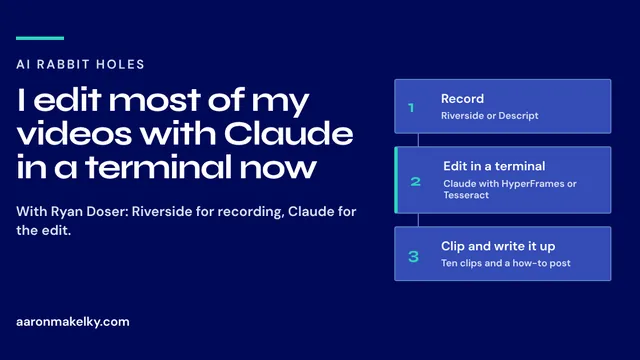
I still record in Riverside and Descript. Most of my editing now happens in a terminal, with Claude or Codex driving HyperFrames, Tesseract, and FFmpeg.

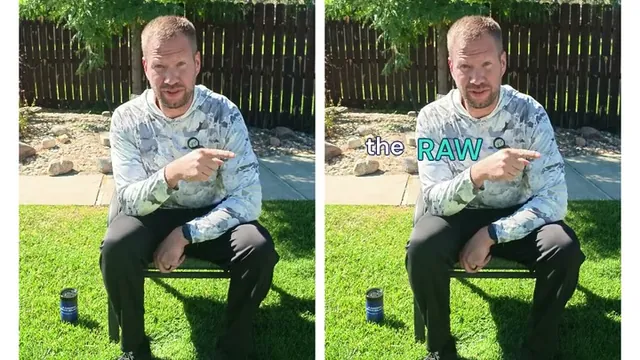
A few seconds of my Tesseract edit: the raw take on the left, the edit on the right. See all three versions

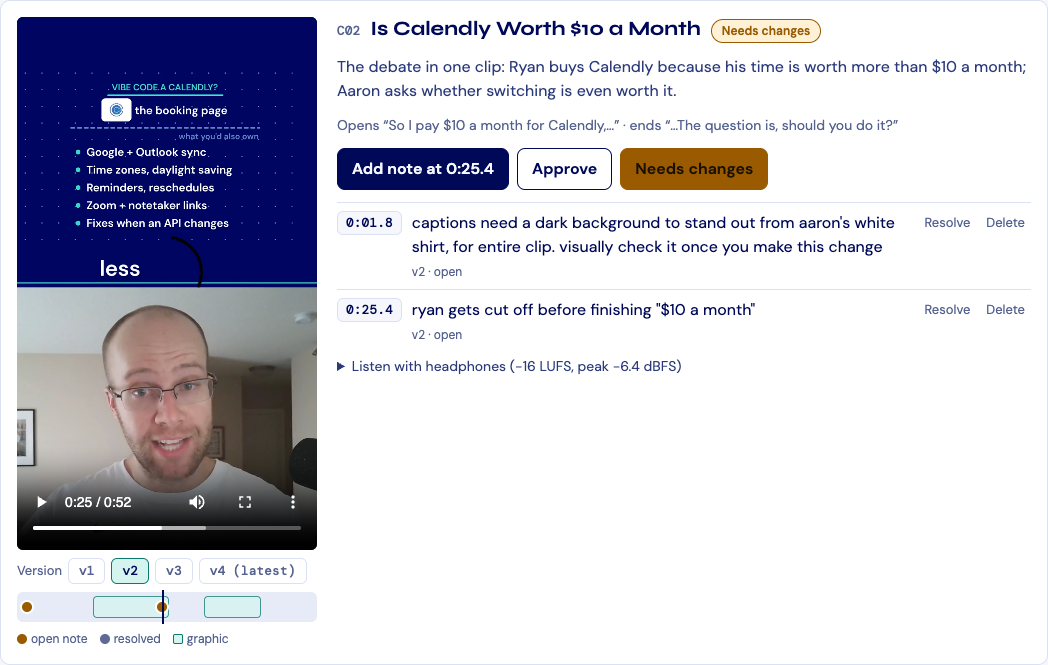
These are the edits I wrote up with my real prompts, the brand rules I gave the agent, and what went wrong along the way. One took zero revision notes. One took three rounds of corrections. One I ran from my phone.

Generated media is the seasoning, not the meal. I use AI to dress up what I shot, not to replace me on camera.

Start here

New to editing with an agent? Start with how my workflow fits together, then the one-shot edit, then the one I ran from my phone.

Claude + Tesseract · October 4, 2026 · 9 min read

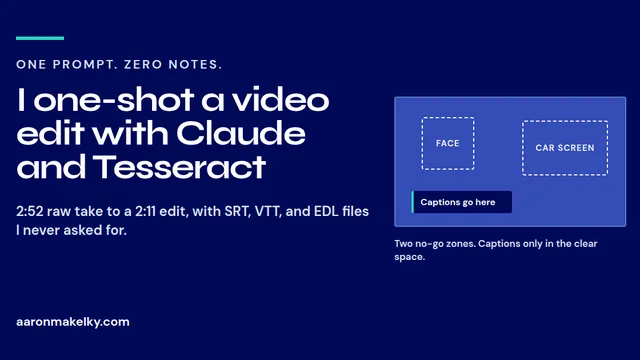
I one-shot a CarPlay video edit with Claude and Tesseract

I sent one prompt and gave zero revision notes. Here are the real prompts, Linear ticket, brand rules, and outputs behind a 2:11 ChatGPT dot vs Grok Bot CarPlay video, and how to set up your own version.

Navy and teal title card reading I one-shot a video edit with Claude and Tesseract

All AI video editing notes

Newest first.

Claude Code + HeyGen · October 9, 2026 · 9 min read

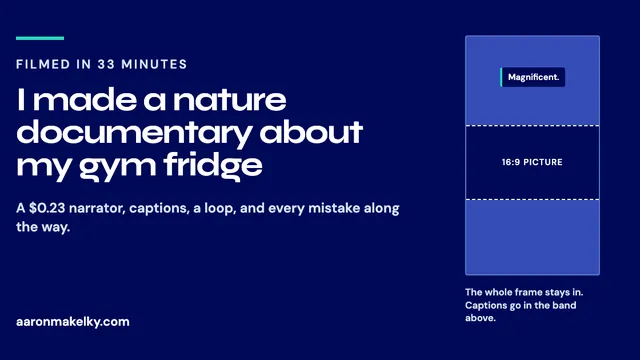
I made a nature documentary about my gym fridge

I filmed it in 33 minutes and spent the evening editing it with Claude Code, HeyGen, and FFmpeg. Here's every prompt I sent and what I'd do differently next time.

Navy and teal title card reading I made a nature documentary about my gym fridge, with a diagram of a 16:9 frame inside a 9:16 frame

Claude + Tesseract · October 4, 2026 · 9 min read

I one-shot a CarPlay video edit with Claude and Tesseract

I sent one prompt and gave zero revision notes. Here are the real prompts, Linear ticket, brand rules, and outputs behind a 2:11 ChatGPT dot vs Grok Bot CarPlay video, and how to set up your own version.

Navy and teal title card reading I one-shot a video edit with Claude and Tesseract

Common questions

Do I need video editing software to edit with AI?

Not for most of my edits. I point Claude or Codex at the raw file and have it drive free tools like HyperFrames, Tesseract, or FFmpeg in a terminal. I still record in Riverside or Descript, because they give separate tracks and good audio when two people record together.

What kind of computer does AI video editing need?

A powerful one with local access. Rendering uses a lot of memory even in the terminal, and some of these tools need a Mac. A MacBook Air or a Chromebook will struggle, and a cloud bot like Grok Bot cannot run the tools that require a Mac.

How do I get the AI to edit in my style?

Give it a brand guide for video. Mine is mostly caption rules: where they sit, the fonts, how words animate in, and never covering my face. I keep it in a skill, use it on every edit, and make it a little better each time.

Should I generate the whole video with AI?

No. Generated media works best as B-roll, a graphic that shows what I am talking about while it is still me on camera. Platforms are cutting back on how fully generated videos earn money, and they all start to look the same.

More topics

AI in schools

My notes on AI in schools from 17 years in classrooms: policy, classroom habits, agentic AI, teacher tools, and letters to teachers and principals.

AI Rabbit Holes

Every AI Rabbit Holes episode I've joined Ryan Doser on, written up in my own words: daily driver models, open source AI, video editing, and Grok Bot.

Grok Bot

Everything I have written about Grok Bot: my review, setup, usage limits, email, and routines.

@theaaron

Follow me on X for the next edit

I'm @theaaron on X, where I post the edits and what I'm testing as I go.