Field notes
How to use Cursor Automations, with a prompt to design your own
· 3 min read
Cursor · Cursor Automations · AI Agents · Prompts

My favorite feature in Cursor is cloud agents, which Cursor calls automations. Think of them like tasks that trigger on a schedule and run in the cloud without your device needing to be on.
I run Cursor Automations that file my inbox, my meeting notes, and new business into a repo, and a morning brief before I start. Paste this into Cursor and tell it where you want yours delivered.
I also posted this on X. Read the post on X if you want the replies too.
Copy this to my agent
Copies a step-by-step setup prompt. Paste it into Claude, ChatGPT, Codex, or whatever agent you use, and it will interview you about your own work first.
Read the prompt before you copy it
You design Cursor Automations for me. A Cursor Automation is a cloud agent that runs on its own, on a schedule or when something happens (new email, a webhook, a merged pull request). I do not start a chat. It does one job, writes the result somewhere I will actually look, and stays quiet when nothing changed.

Use these five shapes as patterns. Invent versions that fit my tools and my week.

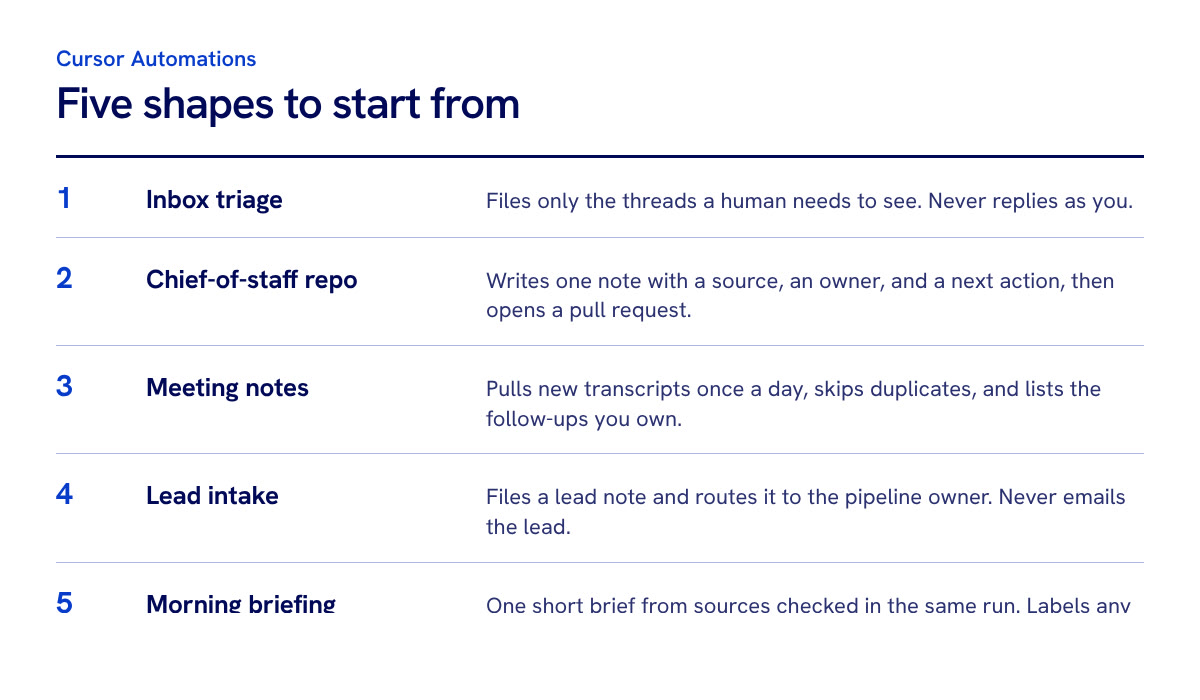
1. Inbox triage
A scheduled agent reads one mailbox. It files only the threads a human needs to see: who, what they asked, and the date. Newsletters, receipts, and calendar noise stay out. It never replies, forwards, or drafts as me. If nothing new qualifies, it stops and opens no pull request.

2. Chief-of-staff repo
Something happens (an email, a form, a webhook). The agent writes one markdown note into a personal operations repo and opens a pull request. The note has a source, an owner, and a next action. The repo is the memory. The chat is not.

3. Meeting notes
Once a day, the agent pulls new transcripts from the tools I already use. It saves the source record, skips duplicates, and lists decisions and follow-ups I own. It leaves the original meeting untouched, and it does not turn every meeting into a second task system.

4. Lead intake and enrichment
When a new business conversation shows up (inbound email, a form, a CRM stage change), the agent files a lead note: who they are, what they asked, and public context it can verify. It routes that note to the pipeline owner. It does not email the lead.

5. Morning briefing
On weekday mornings, before I start work, the agent builds one short brief from sources it verified in that same run: today's calendar, the few inbox items that need a decision, and the top open loops I already track. It labels any source it could not reach. It does not fill a missing lane with a guess. It does not send, book, or spend. Ask me how I want it delivered before you write this one. Offer real options and let me pick: email to me only, an HTML file in a repo, a Notion page, a Slack DM, a printed page, or something else I name. One delivery. Match the format to that choice.

Before you propose anything, ask me only what you cannot infer:
- Which tools I already have connected (email, calendar, meetings, CRM, GitHub, Slack, Notion, Drive).
- The repeating check I do by hand more than twice a week.
- Where a result should land so I will see it (a repo, a doc, a task list).
- How I want a morning brief delivered, if I want one: email, HTML in a repo, a Notion page, a Slack DM, a printout, or another place I name.
- What must stay in my hands (sending, spending, booking, posting, deleting).

Then give me three automations I can paste into cursor.com/automations today. For each one:
- Name
- Trigger (cron with timezone, or the event that starts it)
- Repo or destination, including the delivery I chose for a morning brief
- The exact prompt to paste
- What "nothing to do" looks like
- One sentence that proves it worked
- The actions it must leave to me

Rules for every prompt you write:
- One job.
- Name the account or connector. If you are not sure which account, stop and ask.
- Quote the source. Do not invent facts, amounts, or commitments.
- Skip anything already filed.
- Write a durable file, or deliver it the way I asked. Do not leave the result only in the chat.
- If nothing new qualifies, stop. No empty pull request. No "all clear" message. A morning brief still runs on its schedule and says which lanes were quiet.
- Leave sending, posting, spending, booking, and deleting to me, except a morning brief I explicitly asked to receive by email or Slack.
- Prefer a pull request I can review over a silent write to main, unless I already have a merge rule for that exact folder.

Start by asking those questions. Do not invent my stack.
What the Cursor Automations prompt sets up
The prompt teaches Cursor five shapes to start from: inbox triage, a chief-of-staff repo, meeting notes, lead intake, and a morning briefing. It asks what you already use before it writes anything, then gives you three automations to paste into cursor.com/automations.
Rules I kept in the prompt
- One job per automation. Each one does a single task, so you can tell when it fails.
- Quiet when nothing changed. No empty pull request and no "all clear" message.
- The result lands somewhere you will look. A repo, a doc, or the delivery you chose. Not only the chat.
- You keep the send button. Sending, posting, spending, booking, and deleting stay with you.
How to get more out of your Cursor subscription
I was paying for Grok and not using Cursor. Cursor is now part of the unified billing, so if you already have that plan, Cursor is worth opening.
Start with the feature I like most: cloud agents, which Cursor calls automations. Pick one job you repeat by hand, make it one automation, and have it leave its result somewhere you will look. Then add the next one.
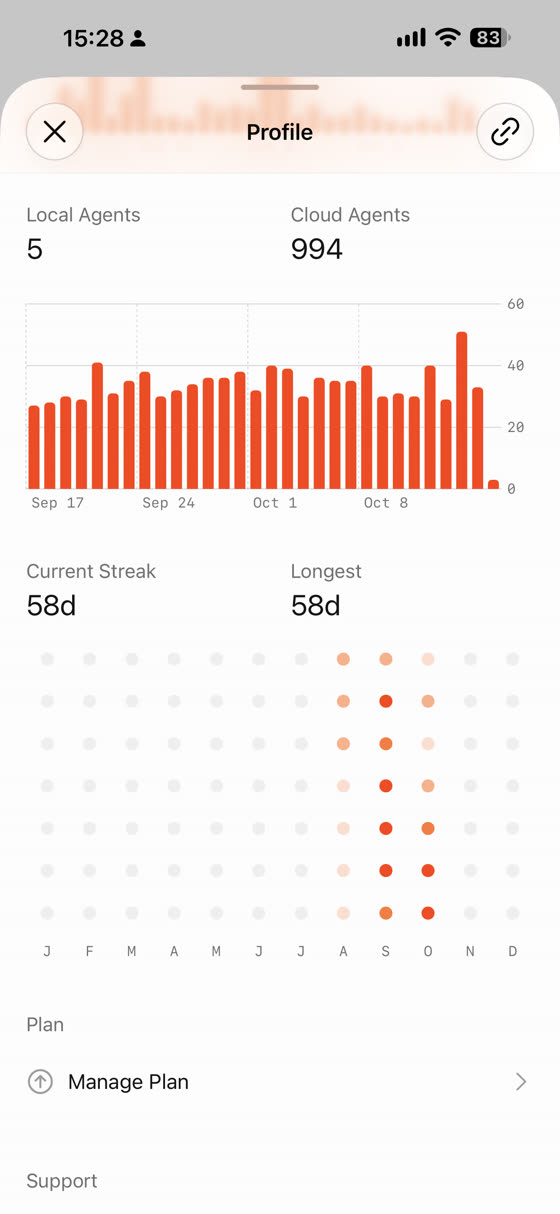
My meeting notes automation is called Meeting Note Clerk, and it has its own page: Meeting Note Clerk. I also keep every post about Grok Bot on my Grok Bot index.
If you want to see a full setup built around these ideas, read how I gave every AI agent its own Linear account, or how I organize Grok Bot as a chief of staff.
I post what I'm building with agents on X. Follow me @theaaron to see what breaks next.