Field notes
Your AI app should not own your work
· 6 min read
AI Workflows · GitHub · Chief of Staff · Prompts

I started paying for ChatGPT Plus when it came out in February 2023, and I kept paying for it for 30 months.
Then, in August of 2025, I canceled it. I was moving more of my work to Claude. Claude Code was a great product and the Anthropic models seemed to be all-around better than OpenAI’s. A lot of people I knew were making the same move.
Then I opened Claude and realized I’d left my entire working life in ChatGPT.
All the chats, folders, projects, custom GPTs, research, little decisions, half-finished threads — all gone. Plus the way I’d learned to work through problems with my AI sidekick, and ChatGPT’s understanding of how I went about things — also gone. All of it trapped inside the app I’d just canceled.
Which sucked because of the way AI models work: they learn your preferences and styles, remember the work they’ve done, and generally get more useful and efficient the more context they accumulate. I had ChatGPT pretty dialed in, then I had to start over in Claude.
Since then, I’ve been making all my AI workflows model-agnostic, so I can seamlessly change apps any time I want to. And I do want to, all the time, for lots of reasons.
Models change constantly, the big labs leapfrogging each other every month or so. Prices change too. And different models are better at different things: Claude Opus is the best designer, but GPT 5.5 is the most persistent with complex tasks, and Cursor’s Composer 2.5 is unbelievably fast. Any one of them might degrade (spend 15 minutes on tech Twitter and you’ll see) or have an outage, or get shut down on Friday afternoon by, for instance, order of the US government.
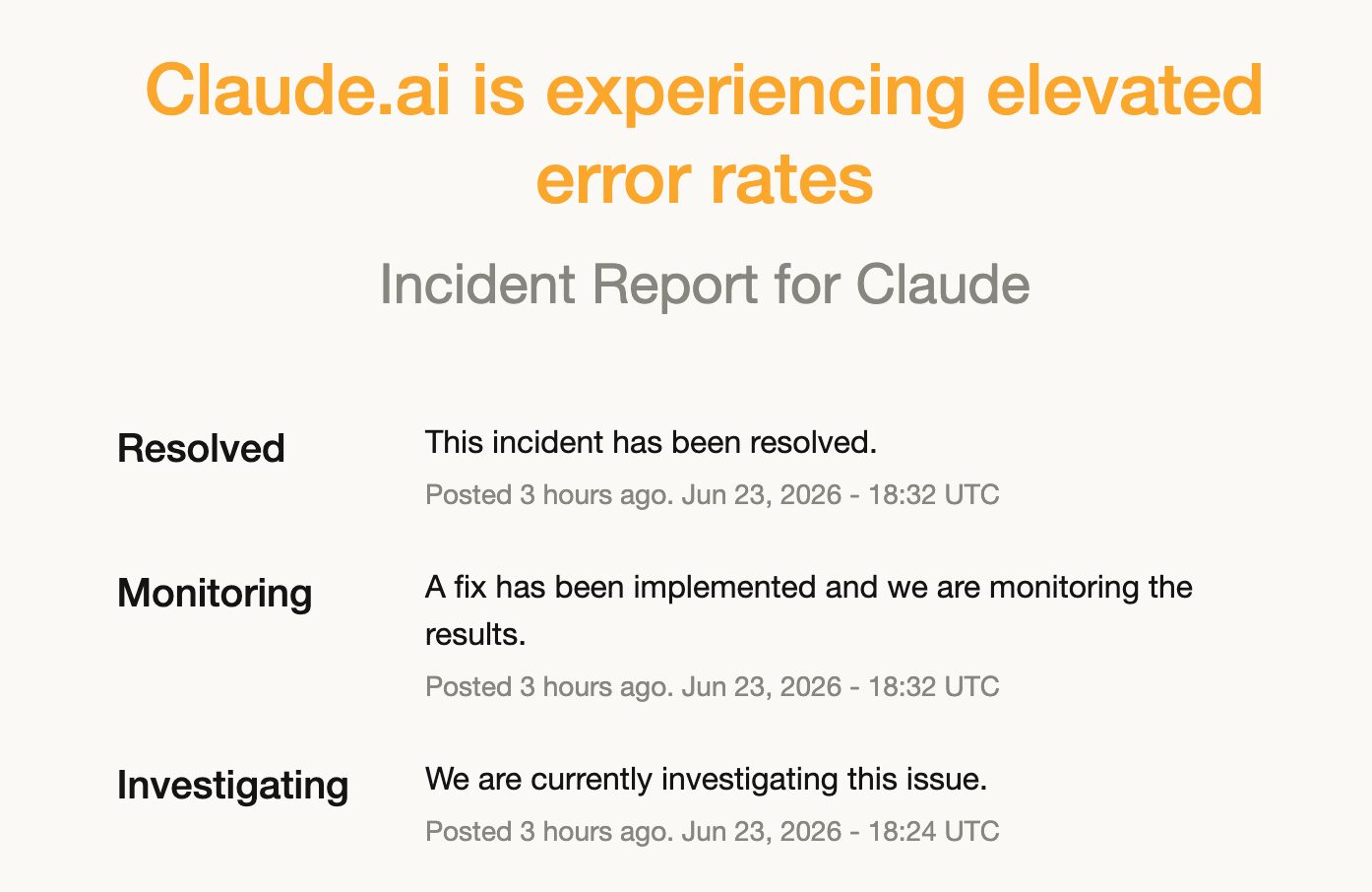
Model madness aside, your employer could decide to switch their subscription; you might change jobs, go from a Claude shop to a ChatGPT shop. I know someone who quit a coveted job after two weeks because his new employer only allowed Microsoft CoPilot. How annoying would that be?
This all comes down to switching cost. Like changing your bank or jumping from iPhone to Android, the more you use these tools the more difficult it is to move to a new one.
It doesn’t have to be. The way AI models work, it’s actually super easy to put all your instructions, context, documentation, and work records in a neutral place that can connect to any LLM. You don’t need to write any code.
Let me walk you through a simple setup you can use to hop between AI apps all you want, so you’re never tied to a single AI lab or app.
The binder method
Imagine if you could put all the work you do with AI — research, automations, scheduling, data analysis, whatever — in a three-ring binder with tabs in it. The binder would sit on a shelf by your desk. You’d add new pages and remove old ones as necessary, and keep a record of what changed. You could let someone else read it rather than taking a half hour to explain how you do things. If you changed jobs, you’d take the binder with you.
We’re going to create a virtual version of that, one that AI tools can access, read, and edit. The pages of the binder will be simple text files. The binder itself will be a folder, also simple. The shelf will be GitHub.
Wait! Don’t click away. I know GitHub sounds like a crazy-techno-nerd-planet for engineers, but it’s not as forbidding as you think. And while you can build your shelf anywhere a chatbot can access — your hard drive, Google docs, Dropbox, and so on — GitHub works better because it gives you a clear record of what changed, when. It’s like your virtual librarian: when an AI app wants to see your files, it checks them out and back in, and GitHub records everything. So when an AI app goes rogue and posts a bunch of stuff you didn’t ask for in Slack, or breaks one of your automations, you’ll be able to see which one it was, and what went wrong.
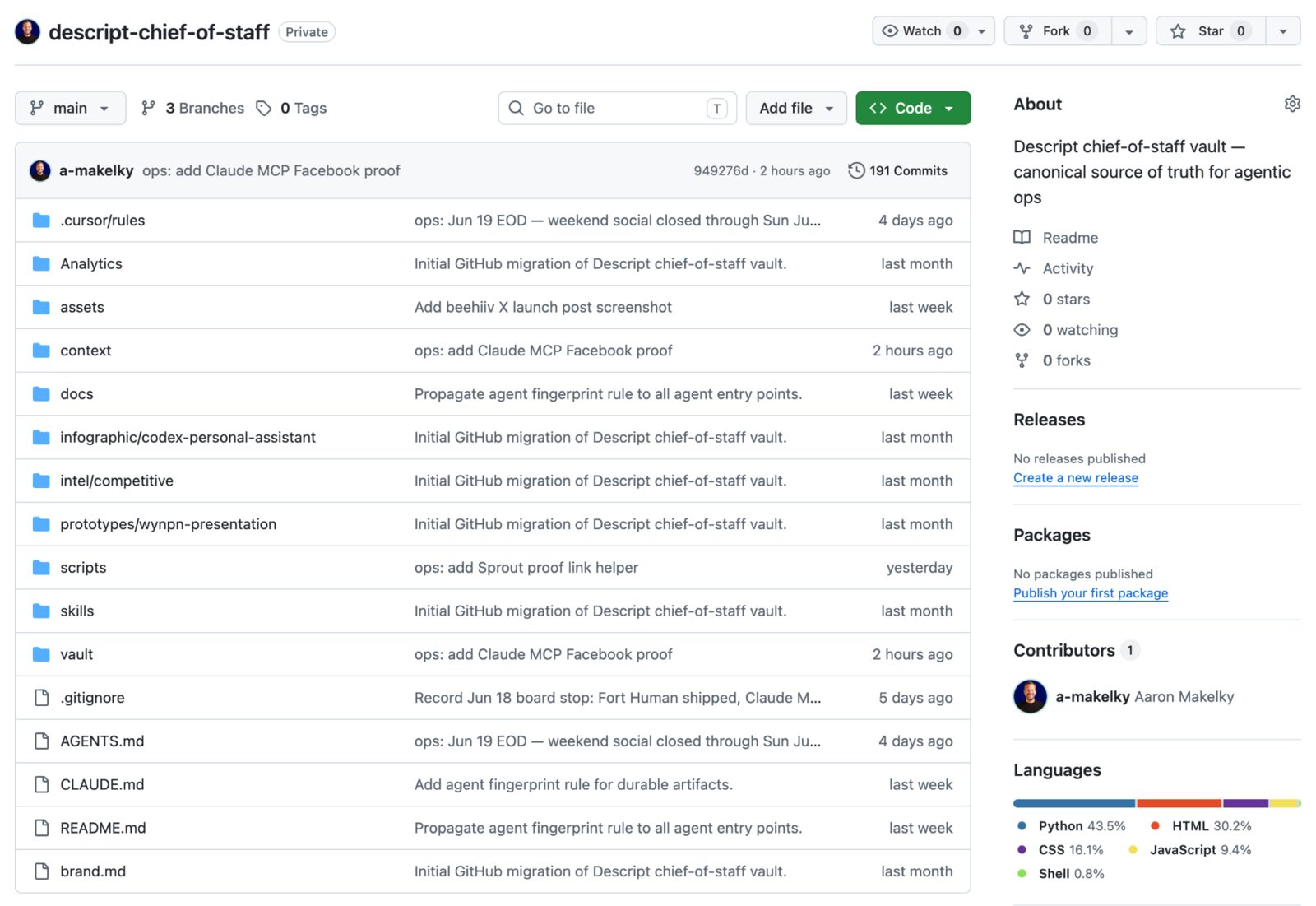
GitHub stores your files in a repository, or repo — that’s your binder. My MacBook can check out the binder. My Mac Studio can too. ChatGPT, Claude, Cursor, and Codex can work in it. So can my favorite open-source models, Zai (GLM 5.2) and MiniMax (3.0).
GitHub is free to get started on, and as long as you’re only working with text files, you won’t need to pay. There’s plenty of good how-to materials on the site and YouTube, though you probably won’t need them. You can sign up and create your own repo in 10 minutes.
What goes in the binder
Wherever you keep it, a useful binder doesn’t need to be complicated. Mine has five basic tabs.
The first tab is a running to-do list, a plain-English markdown file I simply call today. It gathers, sorts, and prioritizes what I have to get done, you know, today. It knows where I’m waiting on someone and where I’m blocking someone. To find out what I need to work on next, I just type “what else needs to get done today?” or “I finished that project, mark it as done,” in legible text like that.
I also have a projects folder for ongoing work and an AI-agent instructions folder that tells any AI app what kind of outputs I want, how to manage handoffs, where source materials live, and so on. I’ve got a skills folder with reusable instructions and app memory that work across agents. And a checkout card to track which agent on which device has touched my work.
It’s all stored in markdown (.md) files, which sounds tech-y, but it’s not: they’re written in plain text — no code or weird symbols. I write them in text files I can read and save them as markdown files AI can read.
With all this in place, I can tell any ChatGPT, Claude, Cursor, or any AI tool what I want, in plain language. It will go into my binder, get all the direction, context, and rules it needs, and go do it. In GitHub I’ll be able to see exactly what the AI did, in case I have to clean up some mess it made (I have; I will). When I want to tweak any of my instructions, I do it one place.
What a binder gets you
I recently had to do some LinkedIn research that was easier to plan in Cursor but better to finish in Codex because Codex has a web browser. In the old version of my workflow, I would have created the initial setup and instructions in Cursor, then copied that context into Codex, hoping I didn’t miss anything.
With the binder method, when Cursor finished its planning run, it added context to the binder and checked it back into GitHub. Codex checked out the same binder, saw what Cursor had done, opened the right task, and finished the work in its browser. All I had to do was prompt each one of them.
How to get started
Just paste this link into your AI chatbot of choice. It’s a prompt template for building your personal working folder in GitHub, connecting it to your AI tool(s), and using it every day.
Copy to my clipboard
Copies the prompt from the gist. Paste it into ChatGPT, Claude, Cursor, Codex, or whatever AI app you use.
Read the prompt before you copy it
You are helping me build a portable Chief of Staff workspace.

The workspace files are the durable source of truth. The AI app is only the assistant reading and updating those files. Do not make this depend on one AI product, model, paid subscription, plugin, or chat history.

Goal:
Create a small local folder or GitHub-backed repo that helps me keep track of my work, priorities, projects, tools, and handoffs.

Work style:
- Ask me one section at a time.
- Wait for my answers before moving on.
- Do not generate files until you have summarized my answers and I confirm.
- Keep everything in plain Markdown.
- If you can create files directly, create them.
- If you cannot create files directly, give me exact file contents grouped by path.
- Start small. This should feel like a useful binder, not a giant operating manual.

Safety rules:
- You may read, summarize, organize, draft, and update local notes.
- Ask before sending messages or emails.
- Ask before publishing anything.
- Ask before spending money.
- Ask before deleting data.
- Ask before changing production systems.
- Ask before creating public, customer-facing, or irreversible artifacts.
- Never store passwords, API keys, tokens, private keys, recovery codes, or raw credentials in this workspace.
- If a tool or connector is unavailable, say what was actually checked and what was only carried forward from notes.

Interview me first.

Section 1: Scope
Ask:
1. Is this for work, personal life, or both?
2. What should this Chief of Staff help you keep from dropping?
3. Do you want this local only, or backed up to GitHub?

Section 2: Responsibilities
Ask:
1. What is your role?
2. What do you actually do week to week?
3. What are your top 3 recurring workstreams?
4. What does "a good week" look like?

Section 3: Sources of truth
Ask:
1. What calendar do you use?
2. What email or inbox matters?
3. What chat tools matter?
4. Where do tasks or tickets live?
5. Where do docs, notes, and finished work live?
6. Which tools are read-only unless you explicitly approve changes?

Section 4: Priorities and urgency
Ask:
1. What counts as urgent?
2. What can be handled quietly?
3. Who or what should get extra attention?
4. What should the assistant never interrupt you about?

Section 5: Working preferences
Ask:
1. Should the assistant act when it can, or show options first?
2. How brief or detailed should updates be?
3. What frustrates you about AI output?
4. What should the assistant never do?
5. Do you want direct language, casual language, formal language, or something else?

Section 6: Voice, if useful
Ask only if I write for other people:
1. What kinds of writing do you create?
2. What should your writing sound like?
3. What should it never sound like?
4. Ask me to paste 1 to 3 examples if I have them.

Section 7: Confirm
Summarize my answers in plain language.
Ask: "Does this look right? Anything to add or remove?"
Wait for my confirmation.

After I confirm, generate this folder structure:

my-chief-of-staff/
|-- README.md
|-- AGENTS.md
|-- context/
|   |-- about-me.md
|   |-- working-preferences.md
|   |-- sources-of-truth.md
|   `-- voice-and-tone.md
|-- vault/
|   |-- daily/
|   |   `-- today.md
|   |-- projects/
|   |   `-- README.md
|   `-- system/
|       |-- connectors.md
|       `-- handoff.md
`-- scripts/
    `-- README.md

File requirements:

README.md
Explain what this workspace is, what it is for, where the source of truth lives, and how an AI assistant should start and end a session.

AGENTS.md
Write the main assistant instructions:
- Read README.md, context files, today.md, connector status, handoff, and relevant project notes before making claims.
- Keep facts separate from guesses.
- Use absolute dates when timing matters.
- Prefer updating existing notes over creating new ones.
- Ask before public, paid, customer-facing, destructive, or irreversible actions.
- Record what was live-checked versus carried forward.
- Add an agent fingerprint to durable changes:
  Added/created/modified by [assistant name] on [yyyy-mm-dd hh:mm] on [environment].
- End important sessions by updating today.md, relevant project notes, connectors.md, and handoff.md.

context/about-me.md
Capture my role, responsibilities, priorities, people I work with, and what kind of help I want from AI.

context/working-preferences.md
Capture how I want the assistant to communicate, decide, ask questions, handle uncertainty, and avoid annoying me.

context/sources-of-truth.md
List my important tools and where truth lives: calendar, email, chat, docs, task tracker, storage, dashboards, and any other key systems.

context/voice-and-tone.md
Create this if writing matters. Capture voice, formats, examples, banned phrases, and review rules. If writing does not matter, create a short placeholder saying it can be filled in later.

vault/daily/today.md
Create a starter running scoreboard with:
- Date
- Last refreshed
- Morning brief
- Today's schedule
- Top 3 priorities
- Eisenhower board
- Running task list
- Waiting on
- Parking lot
- Source check
- Completed today

Make clear that today.md is a running scoreboard, not a disposable checklist.

vault/projects/README.md
Create an index of my top 3 recurring workstreams. For each:
- Why it matters
- Main signals
- What to track
- Suggested project note path

vault/system/connectors.md
Create a table:
- Tool
- Status
- Last checked
- What works
- What does not work
- Notes

Include this rule: do not claim a live check happened unless it actually happened in this session.

vault/system/handoff.md
Create a simple handoff note for the next assistant or device:
- Current state
- Recently changed
- Waiting on
- Next best action
- Open risks
- Agent fingerprints

scripts/README.md
Explain that scripts are optional and should only be added after a repeated workflow is clear. Start with no automation unless I ask.

Final response:
After generating the files, tell me:
1. What you created.
2. What I still need to fill in.
3. How to use this every day in 5 minutes.
4. How to move it between AI tools without losing context.
Or paste the text of this article into your chatbot and ask it to tell you what to do.
Once you get it set up, you’ll be able to start every workday by typing something like “Let’s get to work” or “What’s today look like?” — just like you would with a human assistant — into ChatGPT/Claude/whatever bot. The AI will go read your GitHub folder, then scrape all the places your work and priorities live; then it’ll lay it all out for you, however you like it. You can ask it again when you come out of three hours of back-to-back calls and want to know what to do first.
The app can change
I am not loyal to any AI lab; OpenAI and Anthropic aren’t sports teams I grew up rooting for. They’re huge companies with priorities that don’t always align with mine. Plus, I’m AI-ADHD, and love to test things in parallel with different models.
Since I switched to a Claude subscription last year, I’ve already switched back to ChatGPT Pro. It’s $200 a month, and it’s one of the last subscriptions I would cancel — for now. But if GPT models get worse, or Anthropic makes a big leap ahead, all I have to do is cancel one account and start another one.
The reason is simple: I treat every AI app as a tool for getting work done, not the place where the work lives.
This piece first ran in Fort Human.