Field notes
I paid $300 for Grok Bot. Its cloud computer is the most useful part.
· 10 min read
AI Agents · Grok Bot

From my appearance on AI Rabbit Holes with Ryan Doser.
I paid full price for Grok Bot's top plan and use it every day. The most useful part of my setup is the virtual machine it runs on, which lets me operate a browser and run other agents in the cloud.
When Ryan Doser asked whether I would recommend buying the subscription just for Grok Bot, my answer was no. I'm still hitting usage limits on the highest plan.
I talked with Ryan on AI Rabbit Holes about Grok Bot, the Slack-style agent product from xAI. We covered setup, rate limits, who it's for, and the other tools included in the subscription.
I can organize bots in channels, but I can't invite a colleague
Grok Bot gives me a chat interface where I can put bots into groups, give them jobs, and have them trigger automations. The bots can talk to one another, but I can't bring a human colleague into the workspace to work alongside me.
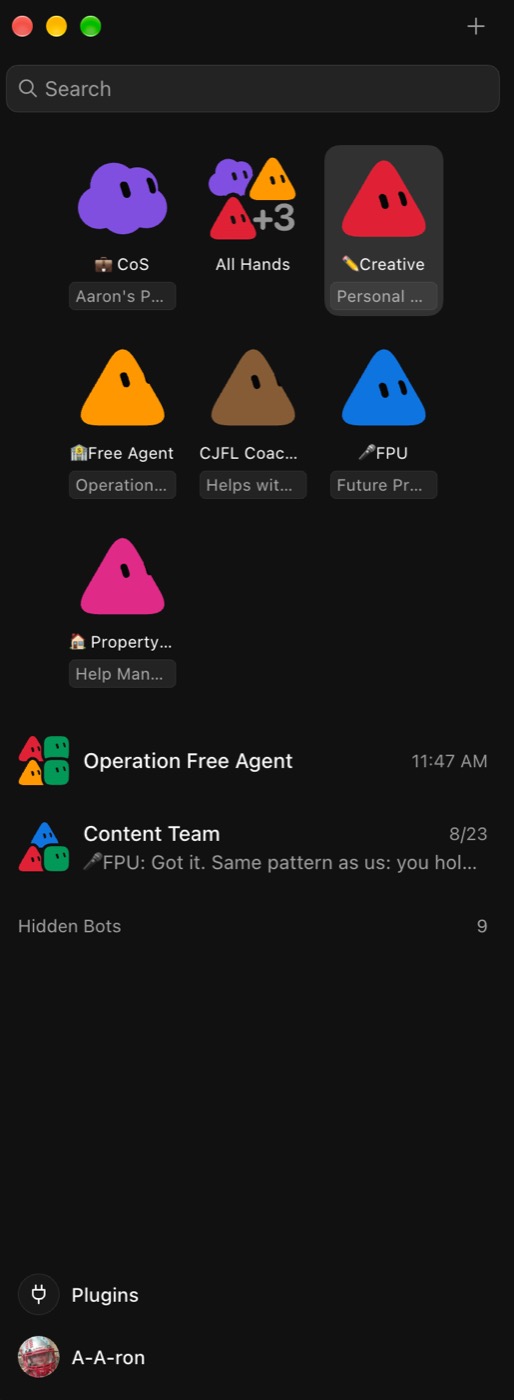
I find the setup much simpler than OpenClaw. Grok Bot runs in the cloud, so I don't need to buy and maintain a separate computer for it. I can use the app on my Mac, iPhone, or Linux device, and turning off my laptop doesn't stop the work.
Connecting tools is straightforward too. When I connect Gmail, a sign-in box appears in the chat. I can name that connection and add a second email account through another sign-in prompt, without pasting API keys into a configuration file or opening a terminal.
For someone confused by the different chat, desktop, and coding apps, I can see the appeal of accessing their connected tools through one app.
I still hit the limits on the highest plan
The entry price keeps coming down, but the limits on the cheaper plans, including free access, concern me. I don't think access is especially useful if someone can run out of usage before finishing the setup they need.
When I got in, access required a top-tier plan: Cursor Ultra at $200 or SuperGrok Heavy at $300. I paid full price without a sponsor deal because I wanted to know whether someone could use this without being comfortable in a terminal.
The subscription includes Cursor, Grok, and Grok Bot, each with a separate usage allowance. I can hit the Grok Bot limit and be unable to use it for two days while still having access to the Grok app. Someone buying the subscription specifically for Grok Bot can easily miss that distinction.
I'm on the highest plan and still hitting weekly caps. Based on that experience, I don't recommend expecting a full week of heavy work across multiple projects. Moderate personal use seems more realistic to me.
I can't choose the model or its reasoning level
I want to choose which model handles a task and how much reasoning it uses, as I can in Codex or Claude Code. Grok Bot doesn't give me those controls. Its interface also doesn't tell me the reasoning level it's using.
I understand why someone else might prefer automatic model selection. If they don't follow model releases, they may want to make a request and let the app choose. I find Notion's model menu overwhelming enough that I can see why someone would leave that decision alone.
My frustration is that I can't assign easier work to a different model, even within the company's own models. I want to reserve the more capable model for tasks that need it and have more control over my usage.
That limitation makes Grok Bot a poor choice as my main AI tool. Someone who prefers automatic selection may care less about it.
My bots have specific responsibilities
I don't like calling a setup "best practices" when the product has existed for only a few weeks. I organize mine around the projects I manage and the bots I want to contact directly.
Every morning while I'm getting up or working out, my purple chief-of-staff bot runs a standup with the project bots in an all-hands group. The meeting is scheduled, so I don't have to send a message to start it.
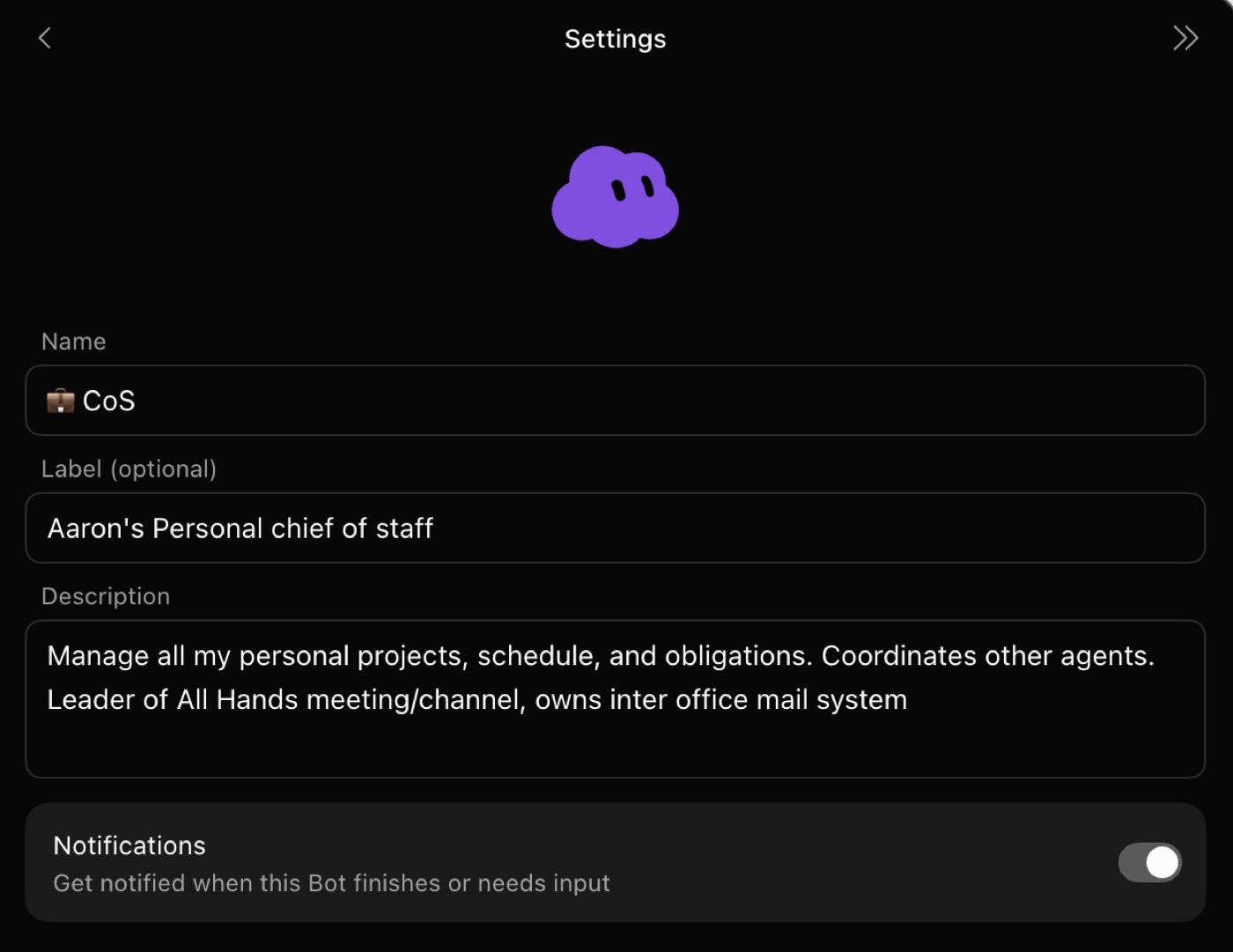
I like being able to read the exchange in a group chat and mention a bot to ask a question. Other tools I use can inspect work across sessions, but I find this interface easier to follow.
Shape and color help me recognize responsibilities. The chief of staff is my only purple cloud, and the project managers are triangles in different colors. I keep the specialist bots hidden because I don't want to message each one myself. If I need a web page, I can ask the project manager to assign it to the web developer bot.
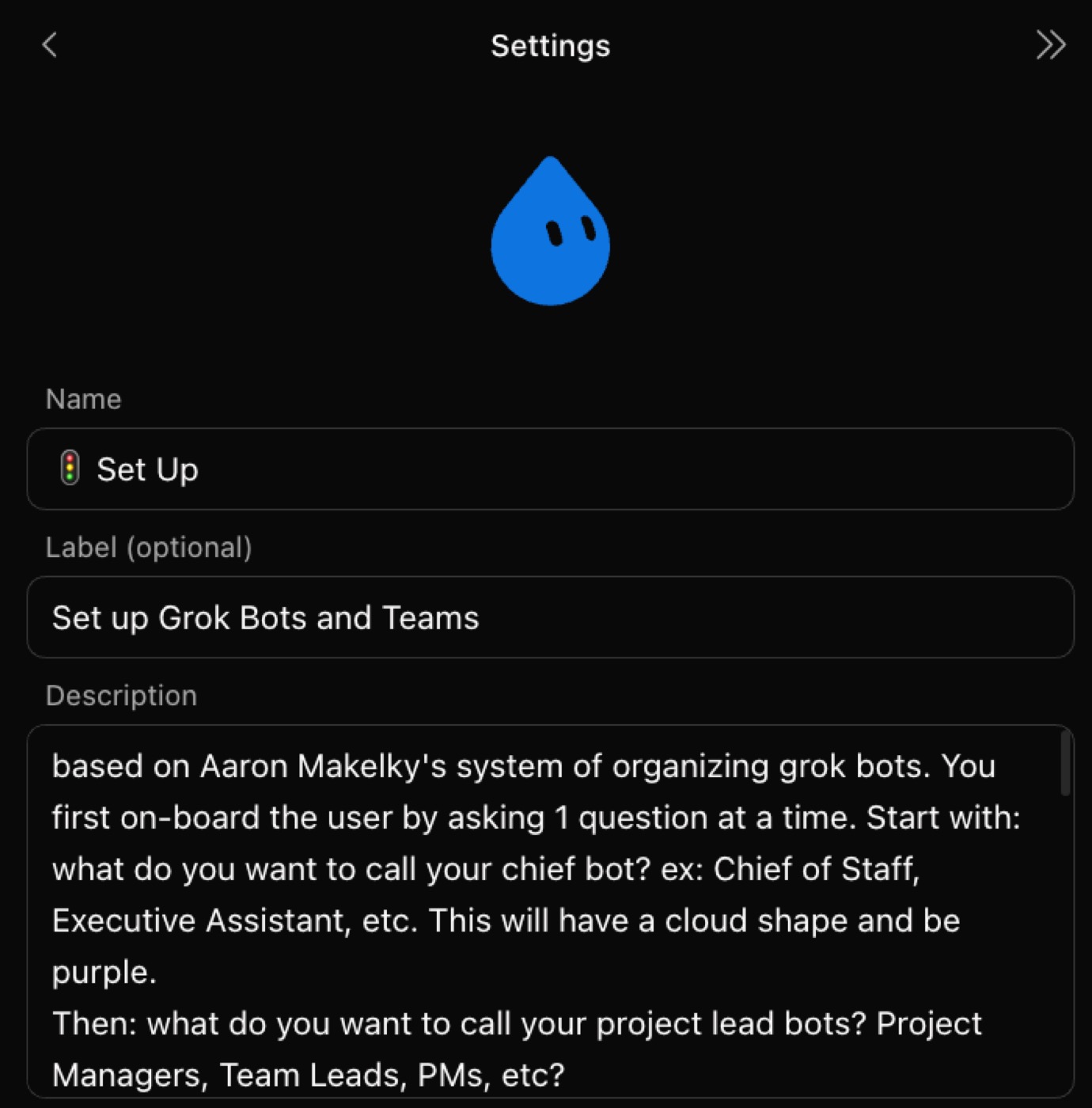
My bots can prepare drafts in Gmail, but I don't let them independently send emails or post messages as me. A connector can give a bot permission to post in Slack or send my boss an update. I want to review external communication before it goes out.
I review the podcast edit before publishing
I showed Ryan a podcast example using connectors for the tools where I edit and publish.
I asked a bot to add intro and outro music, move an ad read, generate show notes and timestamps, and get the episode ready to publish. It found the right tracks and project and handled much of the busy work. I still listened to the result and made changes before approving publication because the edit wasn't perfect.
Previously, I had to open the editor, make the changes, export an MP3, and put it into Transistor with the description. With the Descript connector, I can request the work from my phone while it runs in the cloud.
I keep the skills describing how I like to edit a podcast in GitHub, with a copy outside Grok Bot. If I cancel the subscription, I still have those instructions available for another tool instead of having to write them again.
I can use the cloud computer myself
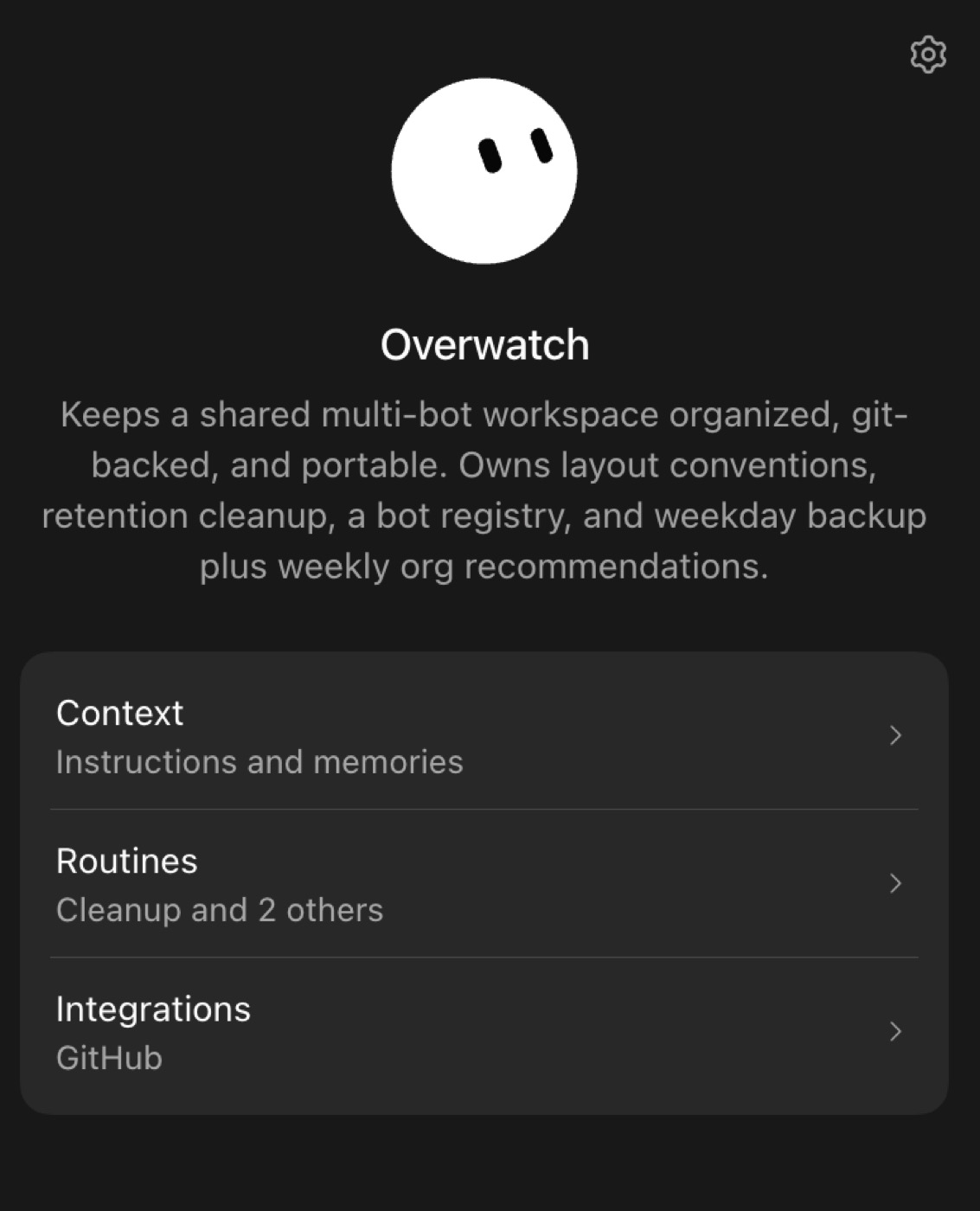
The virtual machine gives me more ways to use the subscription. I can open its browser, search, log in, and take over when the agent gets stuck. I can also run Codex, Cursor, Antigravity, and Grok's command-line tool in its terminal.
The power went out at my house the night before we recorded. Work running on the remote computer can continue independently of my Mac.
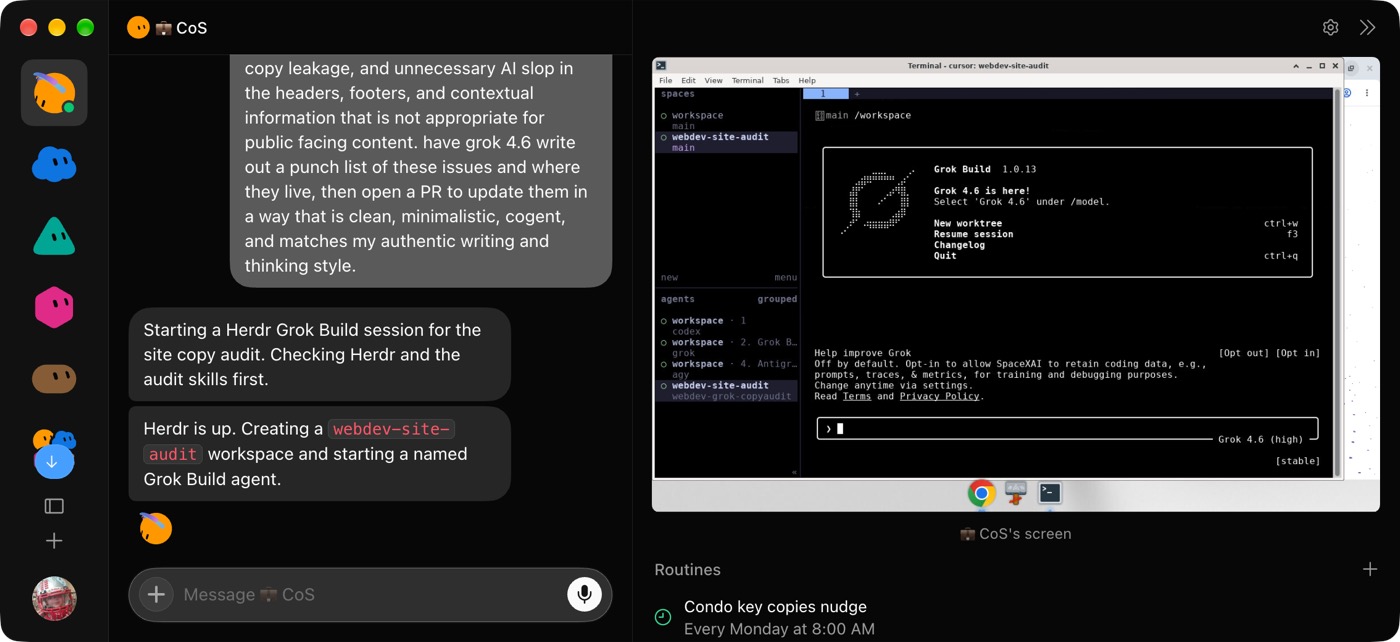
Mine is connected to Tailscale, with its internet traffic routed through my home network, which reduces the bot checks I encounter. It prints my schedule on the home printer in the morning so I can drink coffee without opening a screen. I can also move files across the network instead of uploading them to Drive and downloading them again.
I use the other agents on that computer to help preserve my Grok Bot usage. My chief-of-staff instructions tell it to handle the bot conversations, then use the agents in the terminal when something needs building. Cursor agent usage and Grok Build draw from different allowances, so that work doesn't consume Grok Bot's allowance as quickly.
Using only the bots in the chat leaves part of my subscription unused. I find Cursor's cloud agents and Grok Build more useful for some of that work.
I wouldn't switch from a setup that already works
I think Grok Bot makes more sense for someone who wants help managing a podcast or website without maintaining their own agent infrastructure. I can also see uses for a busy family coordinating calendars.
Someone who wants to customize and troubleshoot an agent system may prefer OpenClaw. I'm more comfortable with Hermes, which gives me more control but still requires technical work. Grok Bot is easier to set up than either, with less control available to me.
I haven't seen business teams replacing Slack with Grok Bot. It doesn't support bringing human colleagues into the workspace, and its usage limits make me doubtful about relying on it for heavy business use.
If Claude Code and Codex are already working well for someone, I don't see a strong reason to switch. A simpler interface for accessing work while away from the computer might help, but I wouldn't rebuild an effective setup just because Grok Bot is getting attention.
On X, I try to find people who are frustrated by rate limits or unsure how to set up their bots. I want to help them troubleshoot and keep their work available outside the app. Demos about giving an agent a credit card or its own email don't answer those questions, and those capabilities are already available through other tools.
I expect Grok Bot to remain relevant, but I doubt its features will stay unique. It was the first tool where I saw multiple Gmail connections in one agent setup, and I saw GPT add similar support shortly after. I don't want the instructions for my work tied to whichever app has a feature first.
I also think Cursor's marketing does a poor job of explaining its uses to people who aren't developers. A podcaster or salesperson needs to see how the tools can help with their actual work to judge whether the whole subscription is worth paying for.
Putting these tools to work with your team
I use Grok Bot because it helps with specific jobs, including preparing podcast edits and coordinating work across my projects. The usage limits still get in the way, so I keep my instructions outside the app and use other agents when they fit the task better.
In my consulting work, I help teams choose a task where AI can help and work through the setup and review process. We start with the work people already do and what they need to get done.
To get help bringing tools like this into your business or team, you can book a 30-minute call with me. We can talk about what you're trying to get done and where it makes sense to start.
Where to find Ryan Doser: