What you get
Wispr Flow Pro, credited for the paid Granola time you have left, plus up to three bonus months. The total is capped at 12 months.
Wispr Flow offer for Granola users
If you pay for Granola, Wispr Flow will cover the paid time you have left with Wispr credit and add up to three bonus months, up to 12 months of Wispr Flow Pro. One subscription covers meeting notes and dictation in every app.
Estimated free Wispr Flow Pro
Up to 9 months
Wispr confirms the exact credit after it checks your Granola plan. (This is my Wispr Flow affiliate link: if you sign up, I receive a small commission and it costs you nothing extra. Any revenue goes to my children's coding and hardware projects.)
Everything here comes from Wispr's Granola switch page and pricing page.
Wispr Flow Pro, credited for the paid Granola time you have left, plus up to three bonus months. The total is capped at 12 months.
People on an eligible individual paid Granola plan. Wispr asks you to verify that plan before the credit is confirmed.
Wispr counts the paid Granola time you have left on the day your Wispr credit starts.
Wispr lists Pro at $15 a month, or $12 a month billed annually. There is also a free plan with limited Notetaker access.
Wispr's offer page does not list an end date. Claim it while the page is up rather than counting on it later.
You can start using Wispr Flow before Wispr finishes checking your Granola plan.
Use the form on the offer page. Wispr emails you the steps to claim your free months.
Follow the emailed instructions. Wispr reviews your plan and confirms how much credit you get.
You can dictate and take meeting notes while the review is pending. Bring your old notes over by importing your exported Granola notes, summaries, and transcripts.
Granola covers your meetings. Wispr Flow covers those and everything else you write, from Slack messages to email.
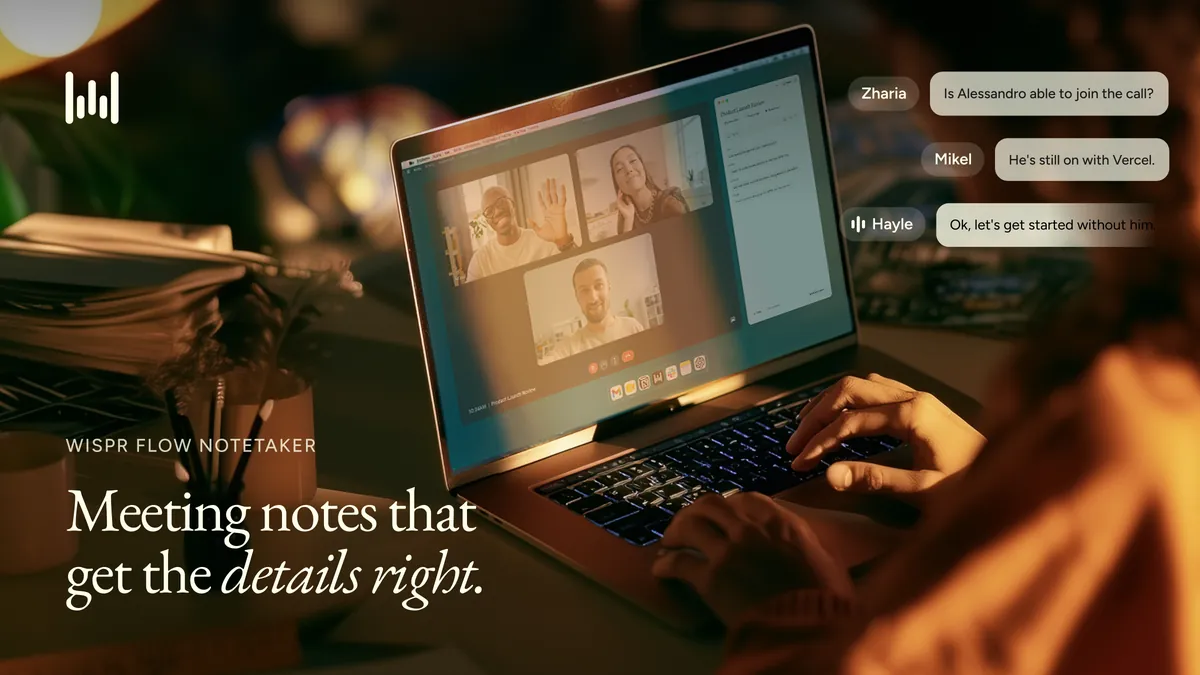
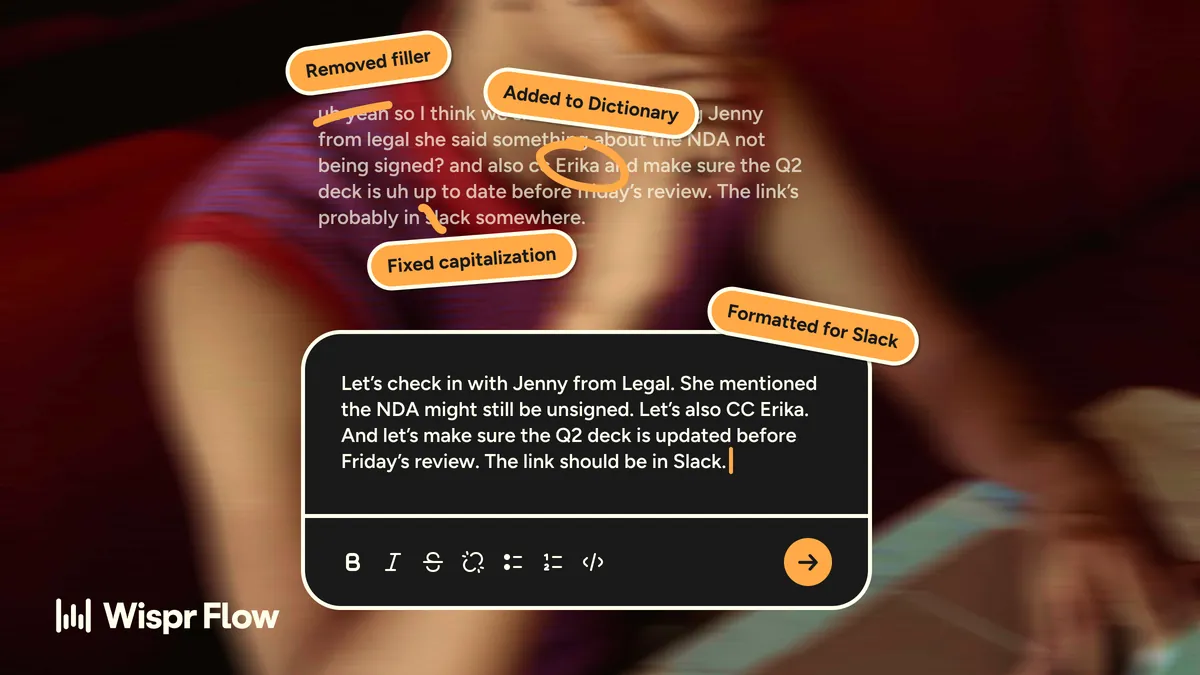
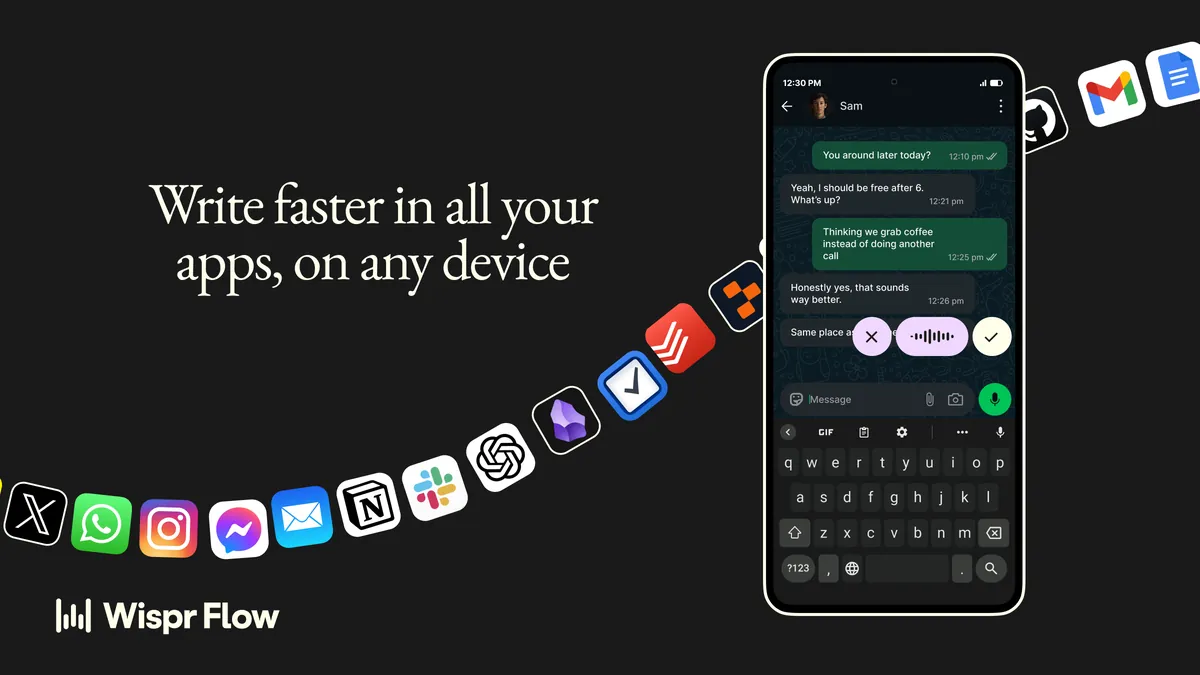
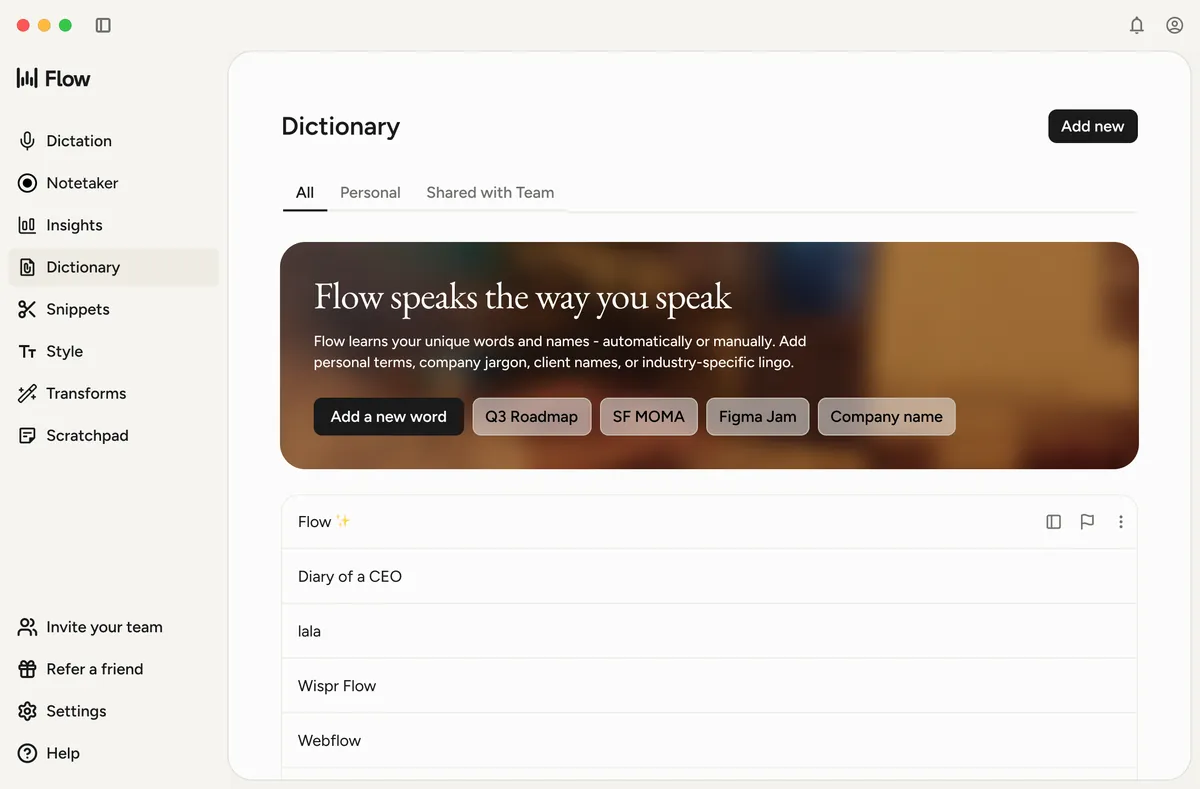
This is how Wispr lays out the difference on its switch page. The biggest difference: Granola is a meeting notes app, while Wispr Flow also handles dictation in your other apps.
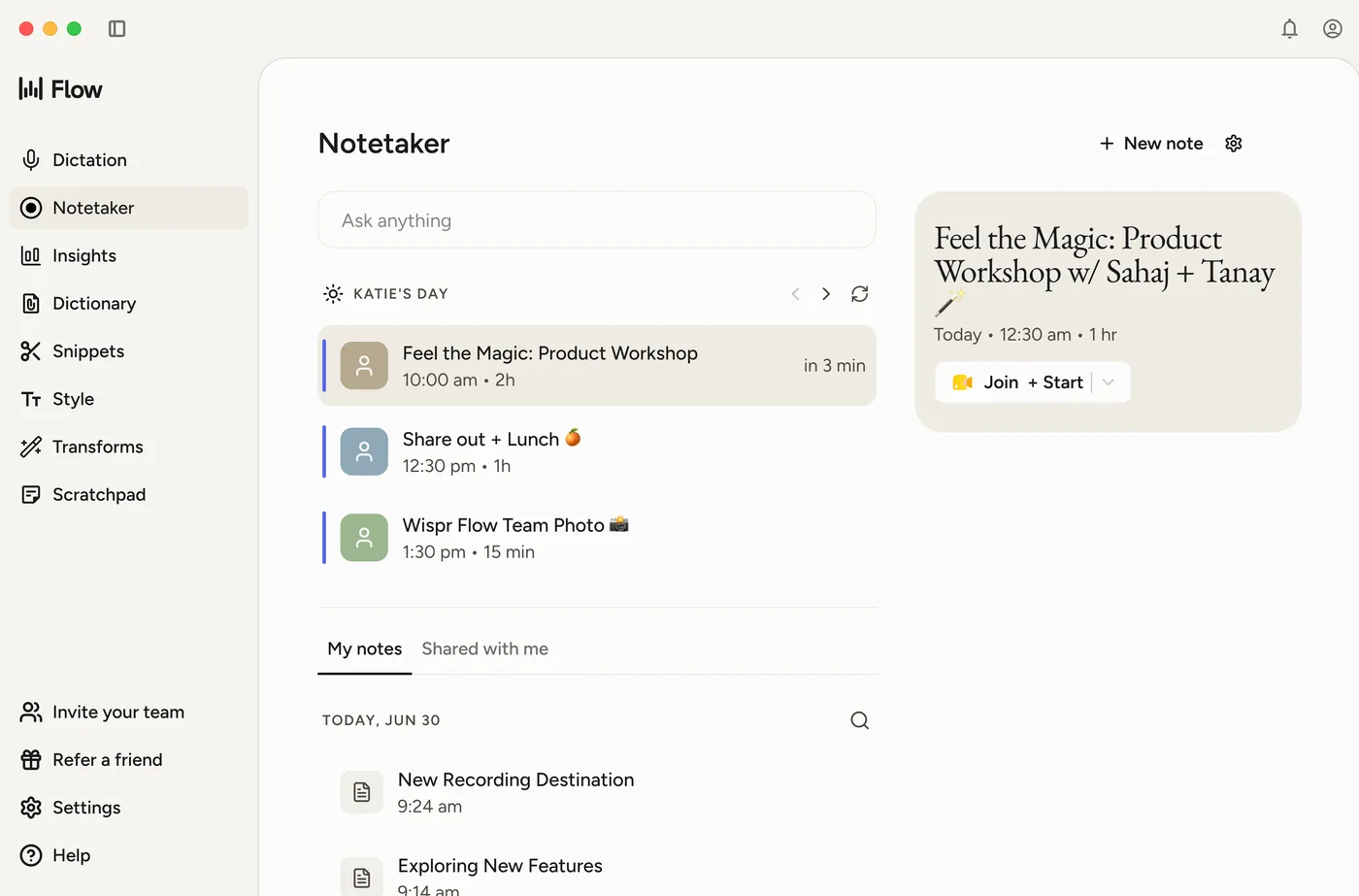
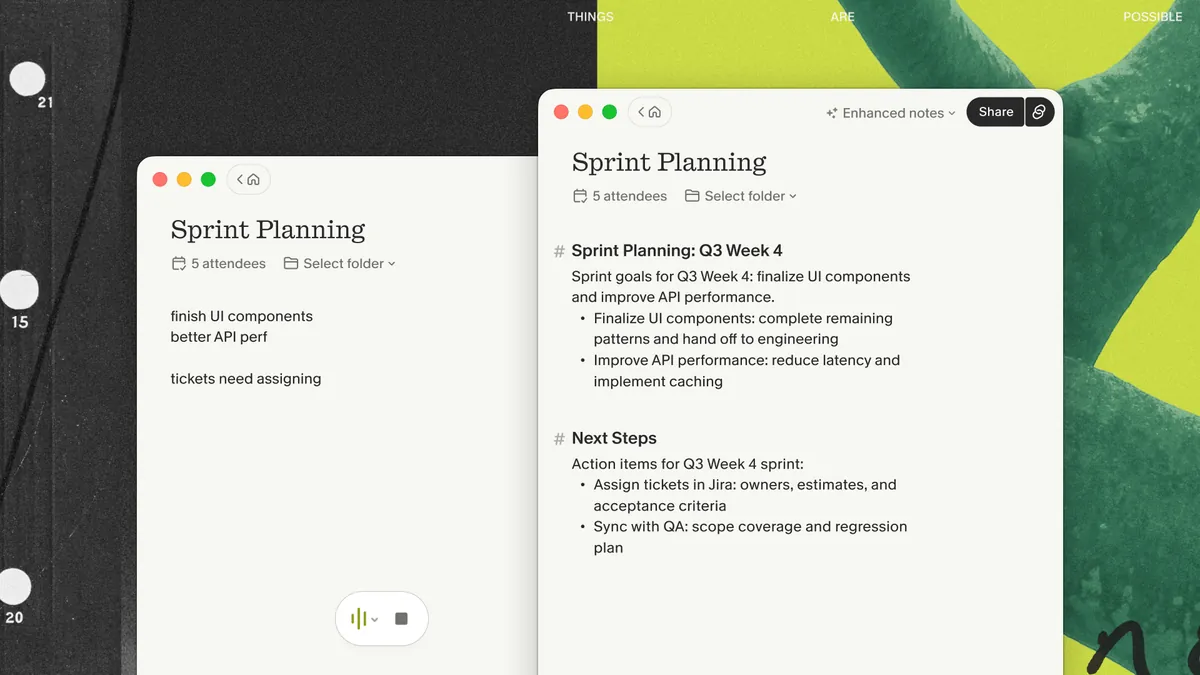
| What matters | Wispr Flow | Granola |
|---|---|---|
| What it covers | Wispr Flow: Meeting notes and dictation | Granola: Meeting notes only |
| Transcript after the call | Wispr Flow: A second pass over the audio refines the transcript after the meeting | Granola: Notes are generated from the transcript captured during the call |
| When your connection drops | Wispr Flow: Keeps recording locally and transcribes when you reconnect (desktop meeting capture) | Granola: Transcription needs a live connection |
| Back-to-back meetings | Wispr Flow: Detects the meeting change and handles the recording switch | Granola: Calls may merge, so stopping by hand between meetings is recommended |
| Names and jargon | Wispr Flow: One dictionary works for dictation and meeting notes | Granola: Jargon stays inside Granola |
| Writing outside meetings | Wispr Flow: Dictate emails, messages, and documents in any app | Granola: Voice input in Granola Chat only |
| Your old meeting history | Wispr Flow: Import exported Granola notes, summaries, and transcripts | Granola: History stays in Granola |
Wispr credits the paid Granola time you have left and adds up to three bonus months, up to 12 months of Wispr Flow Pro in total. Six months left on Granola works out to up to nine free months.
People on an eligible individual paid Granola plan. Wispr asks you to verify the plan by following the steps it emails you after you sign up.
Yes. Export your notes, summaries, and transcripts from Granola, then import them into Wispr Flow.
Wispr Flow dictation runs on Mac, Windows, iPhone, and Android. The Notetaker for meetings runs on Mac and Windows.
Wispr lists Pro at $15 a month, or $12 a month billed annually. There is also a free plan with speech-to-text in any app and limited Notetaker access.
Wispr's offer page does not list one. Because the credit is based on the paid Granola time you have left, claiming sooner can get you more months.
Your remaining paid Granola time, plus up to three bonus months, on one subscription for meeting notes and dictation.
Claim my free months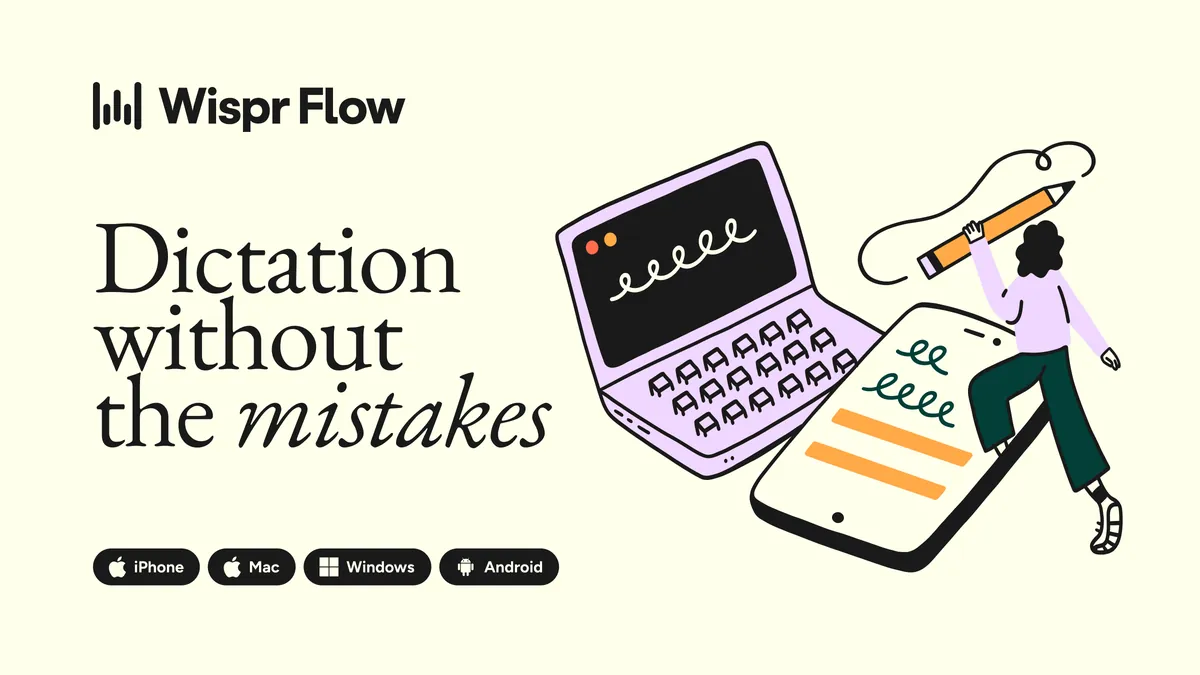
The daily job I run to copy my Wispr, Gemini, and Zoom meeting notes into Obsidian, with a prompt builder for your apps.
Another switch I made, and what I compared before moving.
Small prompts, skills, and downloads I made after a real workflow got annoying.
@theaaron
Wispr counts the paid Granola time you have left when your credit starts, so waiting can cost you months. I post what I test in my own workflow on X.